
People have been wondering is there free internet for iPhone users? And the answer is yes there is a free internet for iPhone users too. So in this blog I will be showing you on how you can configure and get free internet on your apple phone so stay tuned and read this article to the end.
So in order to know how you configure and free internet on your apple phone, you need to first…
1. Install Napsternetv from apple store
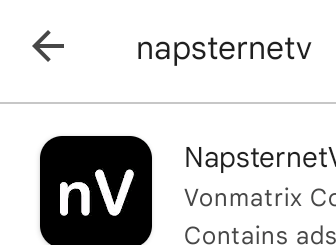
2. After done downloading, head over to the telegram channel [ https://t.me/jahxcotechanex ] and download napsternetv file from the telegram channel.

3. After done downloading the file click on it and share it to your downloads or a place you can find it when your need it.
4. After done sharing, go back to your home page and launch the Napsternetv App you downloaded from the apple store.
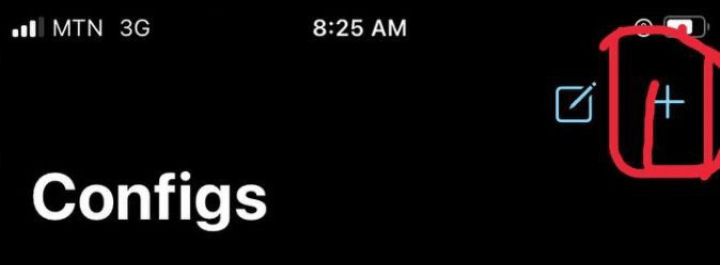
5. After done launching, click on the Configs.

6. Click on + sign on the top right corner.
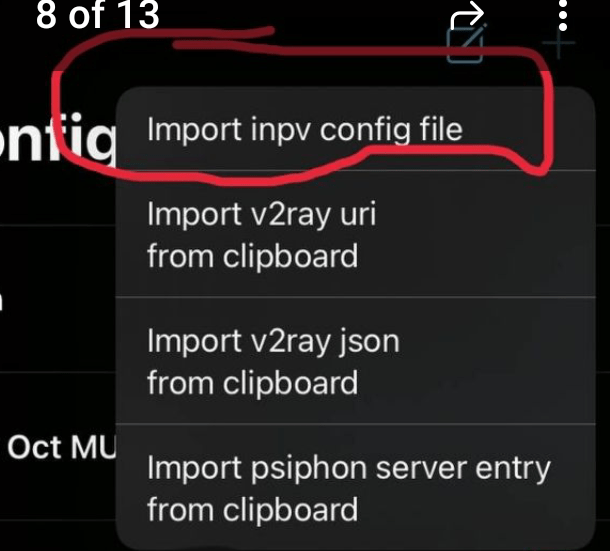
7. Click on import inpv config file.
8. Locate where you share the Napsternetv File to and click on it.
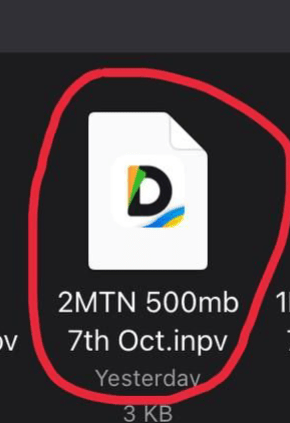
9. After done, it will appear under the Configs.
10. Click on it for it to highlight blue.
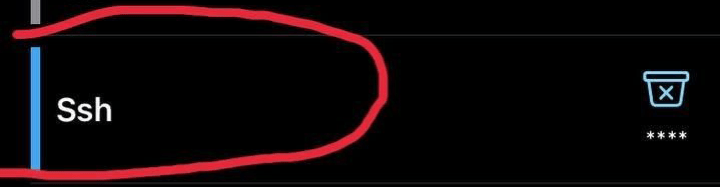
11. After done, click on home in the app.

12. After done, you will find a play button on the down right corner.
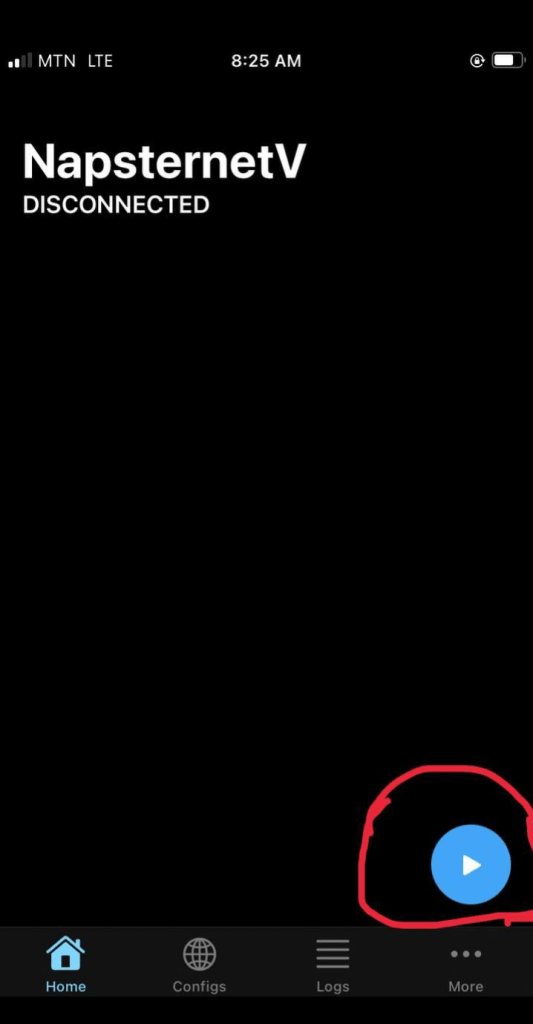
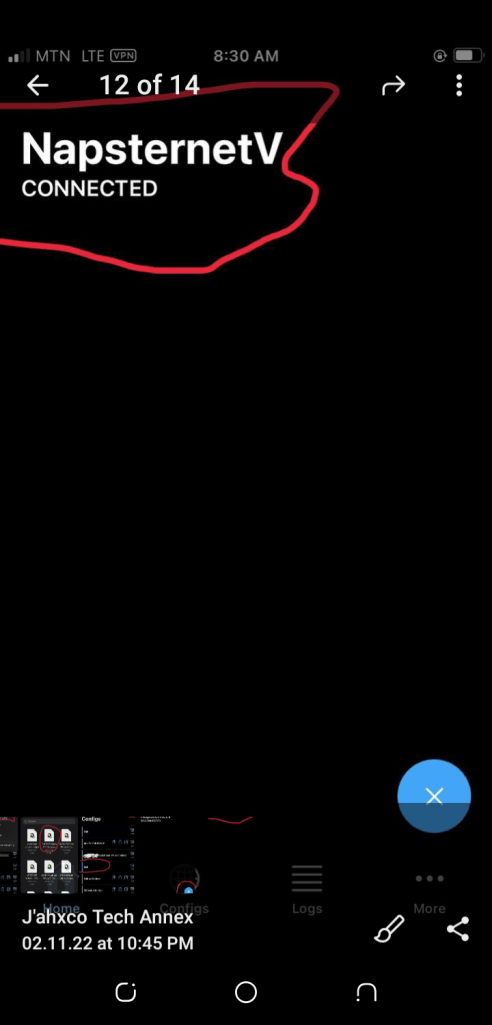
13. Click on it for its to be connected and start browsing the internet for free without having data bundle.
Follow us on these social media platforms to know more about how you can browse the internet for free without having data bundle.



 J'ahxco Tech Annex